
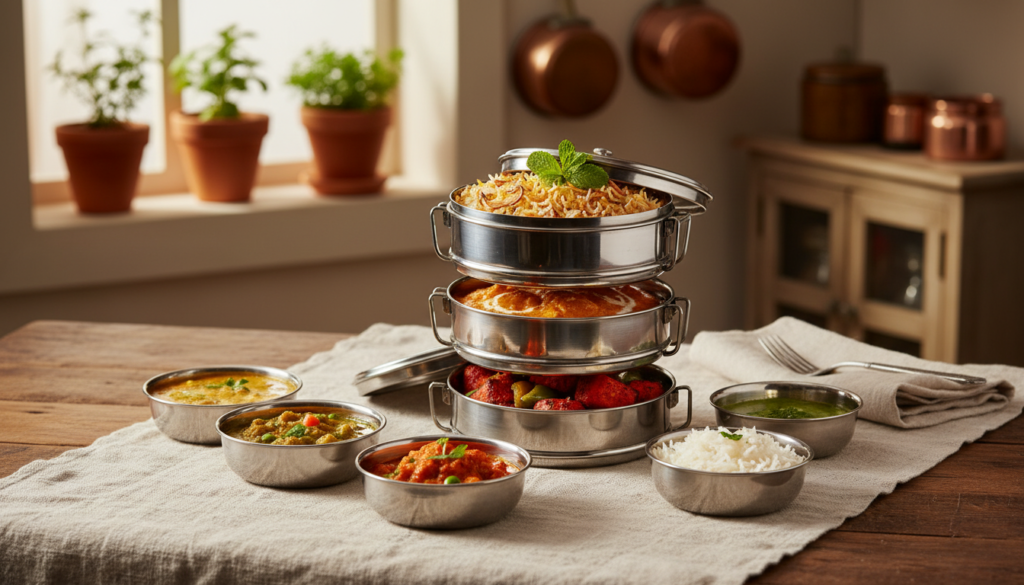
How to Pause Your Tiffin Service Without Any Hassle
Are you worried that your tiffin delivery will build up while you’re gone? You might be wondering if you can stop a tiffin service. Yes, and most carriers will let you do this. But the most important thing is to do it right so you don’t lose money on food you can’t eat.
Tiffin services plan their routes and get fresh ingredients ahead of time, unlike when you buy a pizza. That’s why you have to give most of them 24 to 48 hours’ notice before you can close your account. If you know how to follow your provider’s rules, your meal plan will fit into your life.
Tell Your Tiffin Service Before You Stop
You might be used to getting food right away through on-demand apps, so it might be strange when your tiffin provider asks you to give them a day or two of notice before you stop getting meals. The biggest difference is that your tiffin service is more like a personal chef than a place to get food quickly. It’s not just about taking something off the shelf; it’s about making plans and cooking just for you.
Planning ahead is the key to making fresh meals at home. Chefs buy the right amount of fresh fruits, vegetables, and other things based on how many people are currently subscribed to their service. By telling them ahead of time, you stop them from buying and cooking a meal that will go to waste. Meal providers can keep their prices low because they are so good at what they do.
Tiffin companies plan their delivery routes ahead of time so that everyone gets their lunch on time, not just the food. A last-minute change can mess up your carefully thought-out schedule. That’s why most businesses give people 24 to 48 hours’ notice. This message helps you keep track of your subscription and asks an important question: do you want to take a week off or just one day?
Stop, Skip, or Cancel? Picking the Best Choice for Your Break
You now know why it’s important to let people know ahead of time. It’s time for you to make a choice. There are a lot of different kinds of breaks, and most tiffin services let you manage your account in more than one way. You might think you can use any of these words, but it’s important to choose the right one—pausing, skipping, or canceling—to avoid problems.
You won’t accidentally stop your service when you only need a day off if you know the difference. Most service providers decide what to do based on how long you’ll be gone.
Pausing and skipping are short-term holds that keep your account active and save your settings. These are the best ways to cancel your meal subscription if you want to come back. Now that you know what it is, it’s time to learn how to make your choice.
Three Easy Steps to Stop Your Tiffin Service
Alright, you’ve made up your mind that the best thing to do right now is to take a break. Most tiffin services know this will happen and are ready for it. Even though every business is a little different, you should be able to figure out how to cancel your subscription by following these simple steps.
The first thing you need to do is sign in to your account on the app or website for the service. After that, the steps usually go like this:
Step 1: Read the rules first
Look for their “FAQ,” “Help,” or “Terms” page before you click on anything. Here is the official policy on holding a tiffin subscription. It will tell you exactly how long you need to wait, like 24 or 48 hours.
Step 2: Look for the settings for your account
Your user dashboard is the easiest place to manage your tiffin service online. There should be a button inside that lets you pause, skip, or change your delivery schedule. Look for a link that says “My Account,” “Manage Subscription,” or “Upcoming Deliveries.”
Step 3: Can’t Find It? Send an email right away
Don’t worry if you can’t find a button online. Sending a direct message to customer service is just as good and keeps a record. You only need a short, clear email.
Email Template Example
Hey everyone, please stop my delivery from [Start Date] to [End Date]. My service should start up again on [Date of First Delivery Back].
Thanks a lot!
You may be wondering what will happen to the money you paid for the meals you missed after your request to take a break is approved. Will you get your money back, or will you lose it forever?
Will I get my cash back? How Pausing Changes Your Payment
Now for the big question: where does the money go that you spent on food you aren’t eating? You probably won’t get your money back in cash. The service will give you credit for the meals you missed instead. Instead of a refund, think of it as a rain check for food you already bought. This is normal for subscription models because it makes billing easy and keeps you coming back.
Understanding Your Credit
What does it really mean to get credit for tiffin meals that you don’t eat? Most of the time, things go well. If you take a break for five days, your subscription will be extended by five days. You won’t have to pay again until you’ve eaten all the food you bought. Some services might let you use the credit to lower your next bill, but the most common way to use it is to extend the service duration, which is a very important part of meal plan vacation mode settings.
Even though credit is common, every company has its own rules. It’s usually a good idea to look at the tiffin service’s FAQ section right away to find out what their rules are for when you don’t get your order. If you take this simple step, you’ll know how your break will affect your money, so there won’t be any surprises. But what if you don’t have time to read the rules because your plans changed at the last minute?
What to Do If You Have to Change Your Plans at the Last Minute
We’ve all had plans ruined by an unexpected work emergency or an unplanned dinner invitation. Sadly, if you miss the notice time for stopping tiffin, you will probably still have to pay for lunch that day. It’s easy to see why: your food has already been bought, made, and maybe even cooked. Long before you knew your schedule would change, the wheels of logistics were already in motion.
Even if you know you’re late for a credit, the best way to let your dabba service know is to call customer service. If the driver hasn’t left yet, they might be able to stop the delivery. Most importantly, it makes it easy for you to talk to each other, shows that you care, and makes sure that the rest of your break is recorded correctly. It’s just as easy to get back on track with your eating after a break.
How to smoothly get your meals back after you start your service again
Most of the time, it’s easy to get your meals back after your break. The most important thing to find out is whether your service will start up again on its own or if you have to do it yourself. If you don’t log in and reactivate your account when your plans change, many flexible meal delivery subscriptions will charge you. Always read the rules first.
Before you hit “resume,” take a minute to check on your tiffin service online. Quickly check your account dashboard to make sure that your delivery address and meal preferences are still correct. This quick check makes sure that your first meal back goes to the right place with the food you ordered, so you won’t have to deal with any annoying mix-ups when you get back.
Expert Advice: Don’t wait until the night before to start serving tiffin again. You need to reactivate your subscription at least 24 to 48 hours before you want your first meal in order to get back on the kitchen’s schedule. This gives the system enough time to handle your request so that you can easily go back to your normal life.
A Quick List for a Tiffin Break Without Stress
You aren’t just a customer who wants their tiffin service to be flexible anymore. Now that you know what to do if something goes wrong with your plan, you’re an informed subscriber. You don’t have to worry about what to do because you already have a plan.
To put your tiffin subscription on hold the next time you need to, please do the following:
You are now in charge of your tiffin service, which is just a way to make things easier. You traded doubt for confidence, which meant that your meals always fit into your schedule and not the other way around.
Leave a Reply